
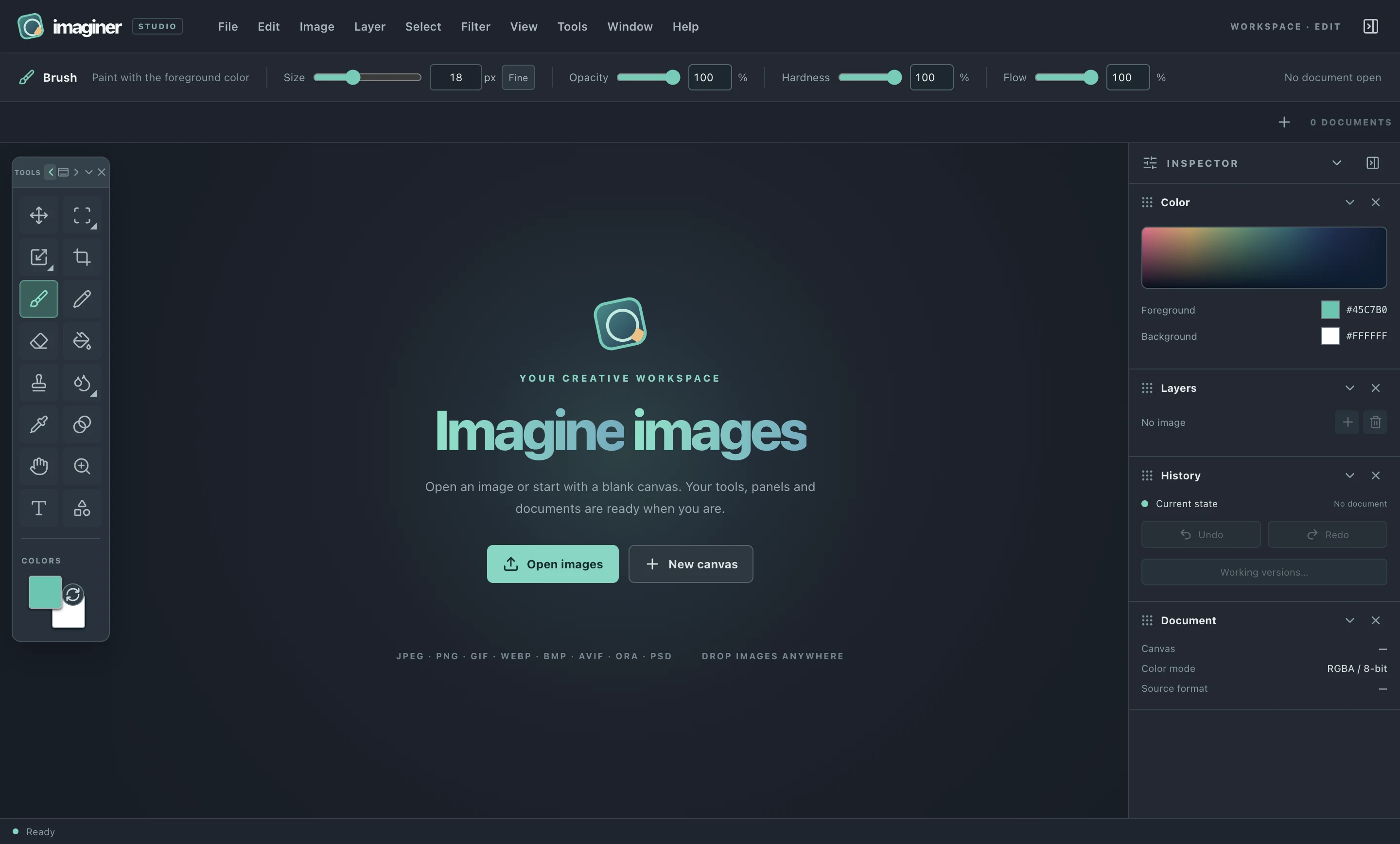
01 / WORKSPACE
Set up your space.
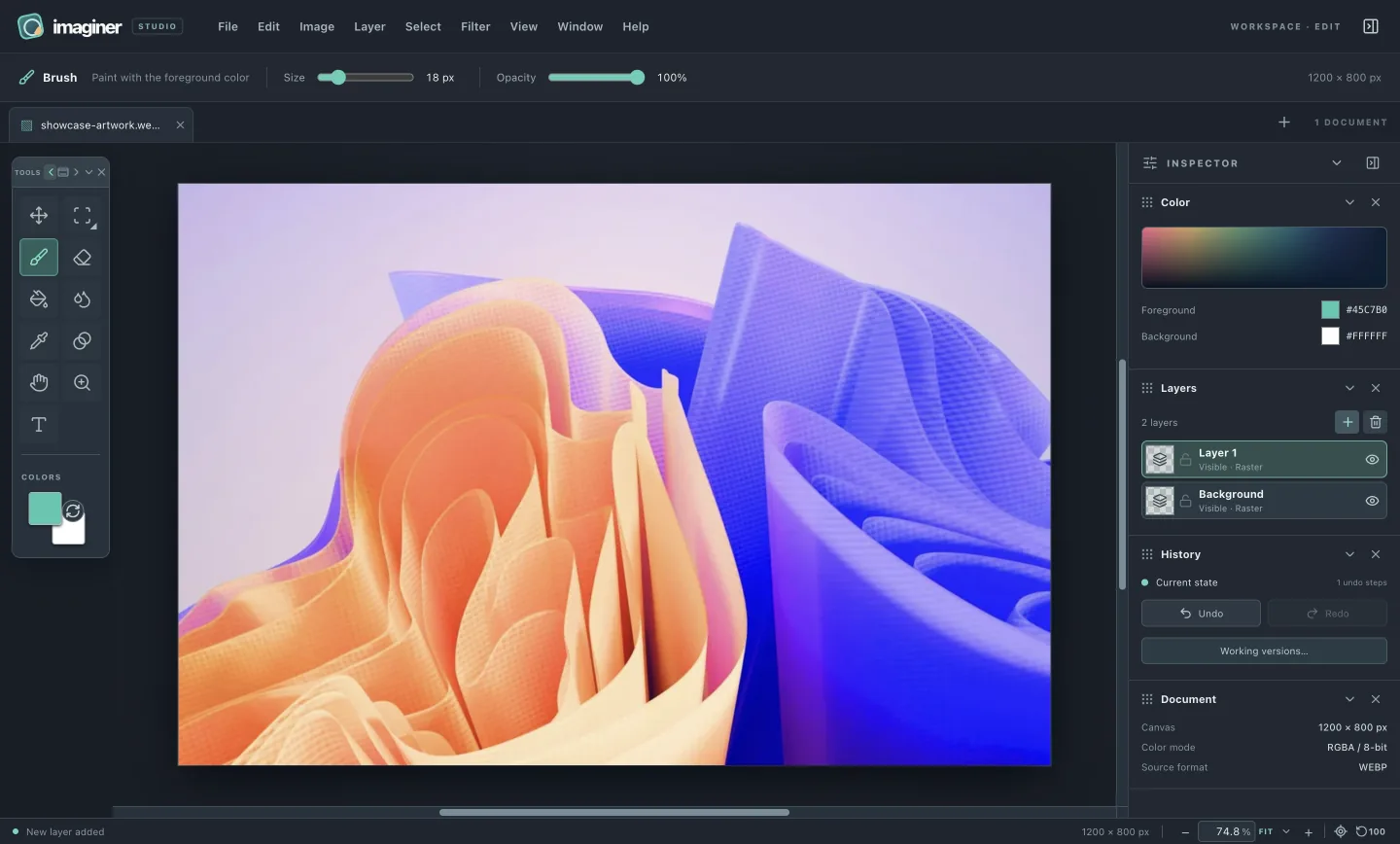
Tabs, free panning, zoom, movable panels and keyboard access.
THE EDITOR / EXPLAINED
A visual guide to what the current Imaginer desktop preview can do. Browse by the work in front of you, or find an action by the menu where it lives.
WORK IN THE ORDER YOU THINK
Each guide shows the current interface, the action sequence and the limits that matter before you edit.
Tabs, free panning, zoom, movable panels and keyboard access.
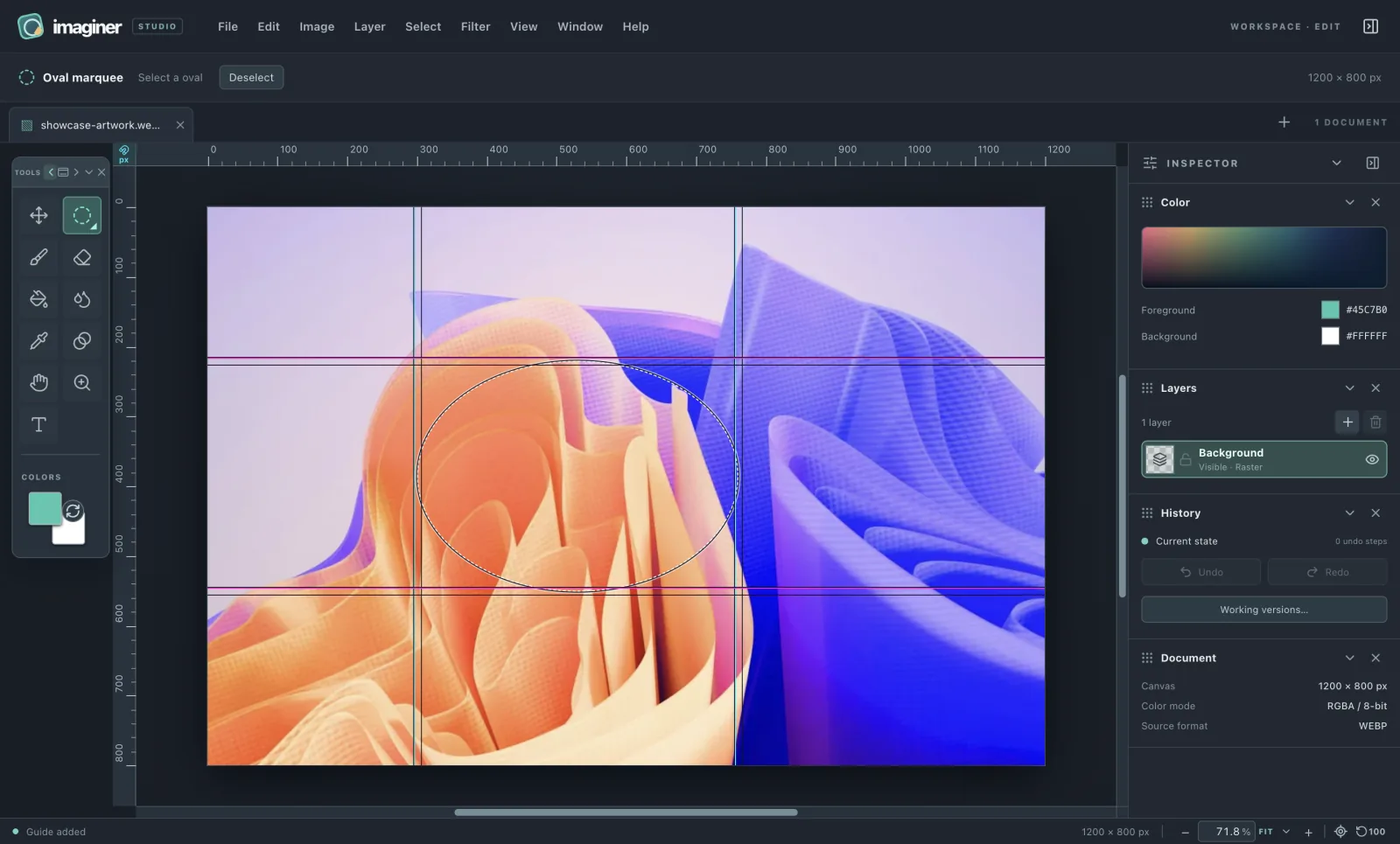
Four marquee shapes and vivid guides that snap without changing pixels.
Layer commands, editable text, locks, duplication and rasterization.
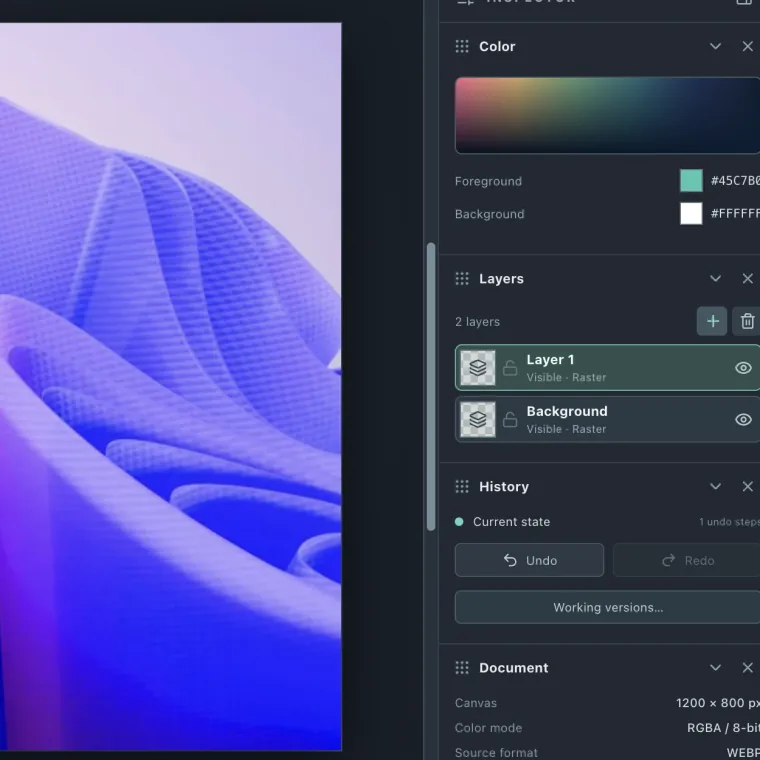
Clone Stamp, Blur/Smudge/Sharpen, precise sampling and independent paint settings.
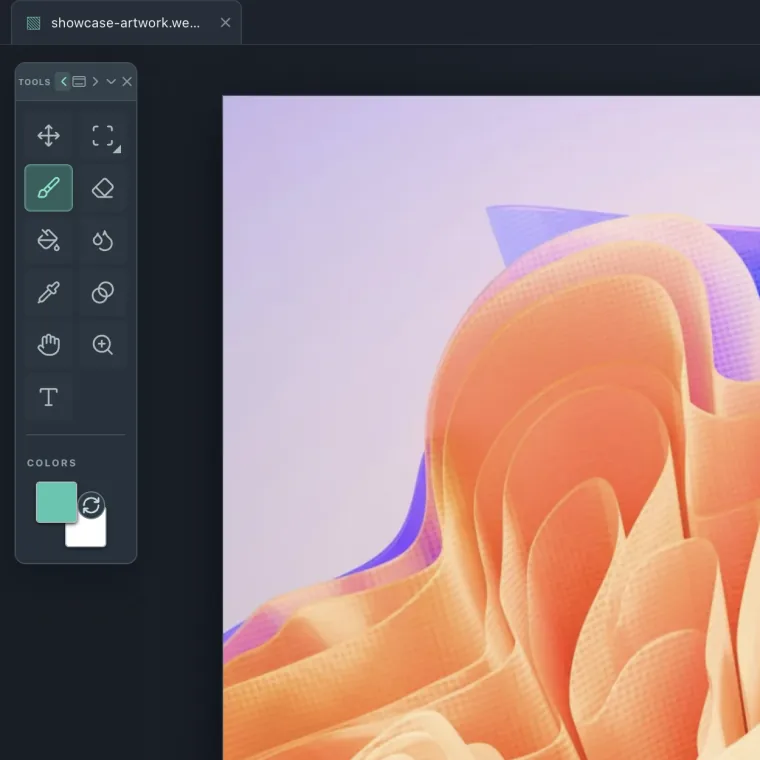
Create, crop, open, resize, export and recover a local working copy.
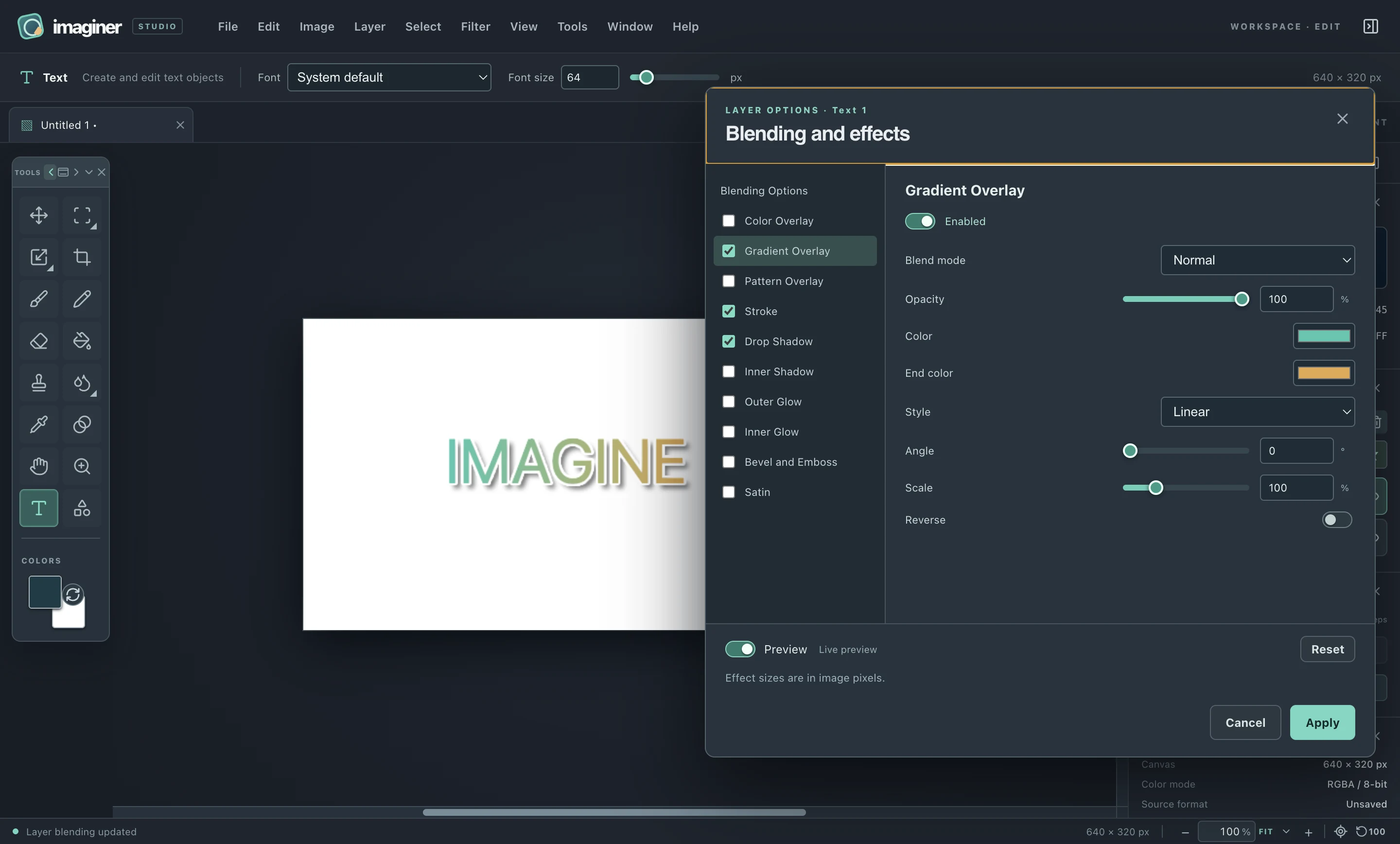
27 blend modes, ten editable effects, optional preview and three type recipes.
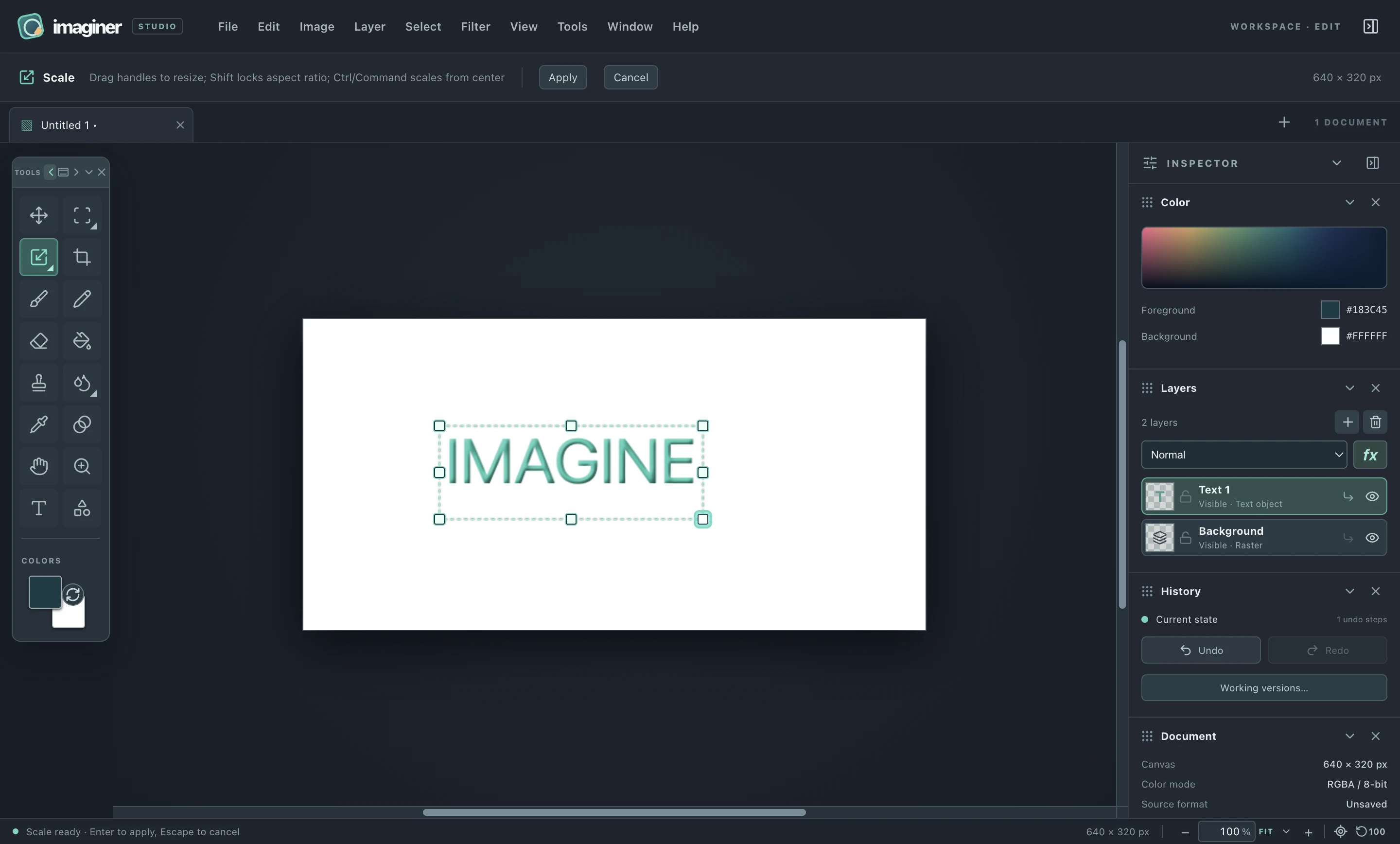
Scale, Distort, Skew and Mesh Warp for editable objects, with preview and Apply/Cancel.
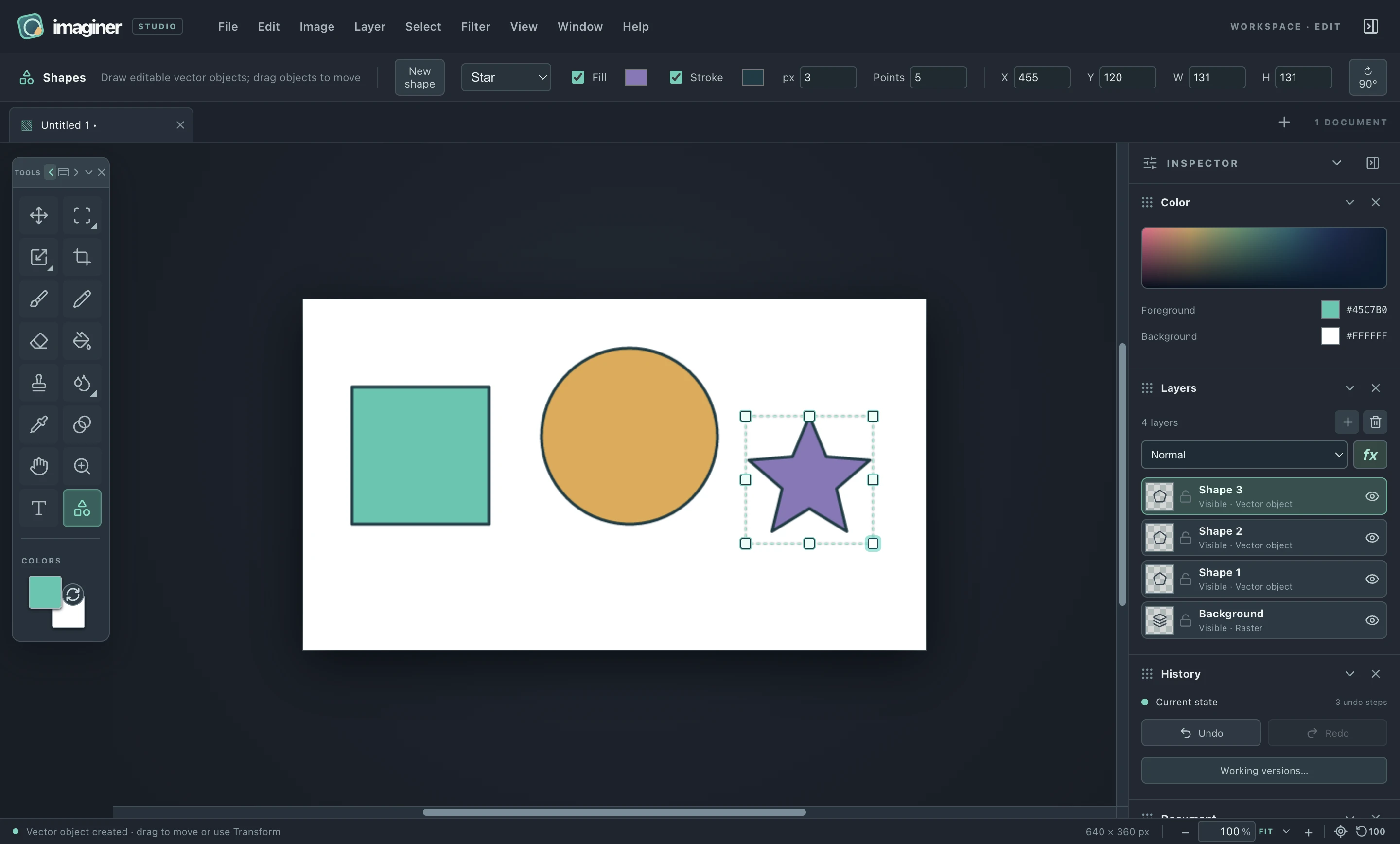
Six primitives with fill, stroke, exact dimensions and transforms on separate object layers.
Read how the local editor handles files, layers, privacy boundaries and the limits of this development build.