
OUR PRINCIPLES

Good tools
leave room
for people.

Imaginer is being built around three simple ideas: your work stays private, the tool stays yours to use locally, and the interface gives your attention back to the image.

Read the commitments
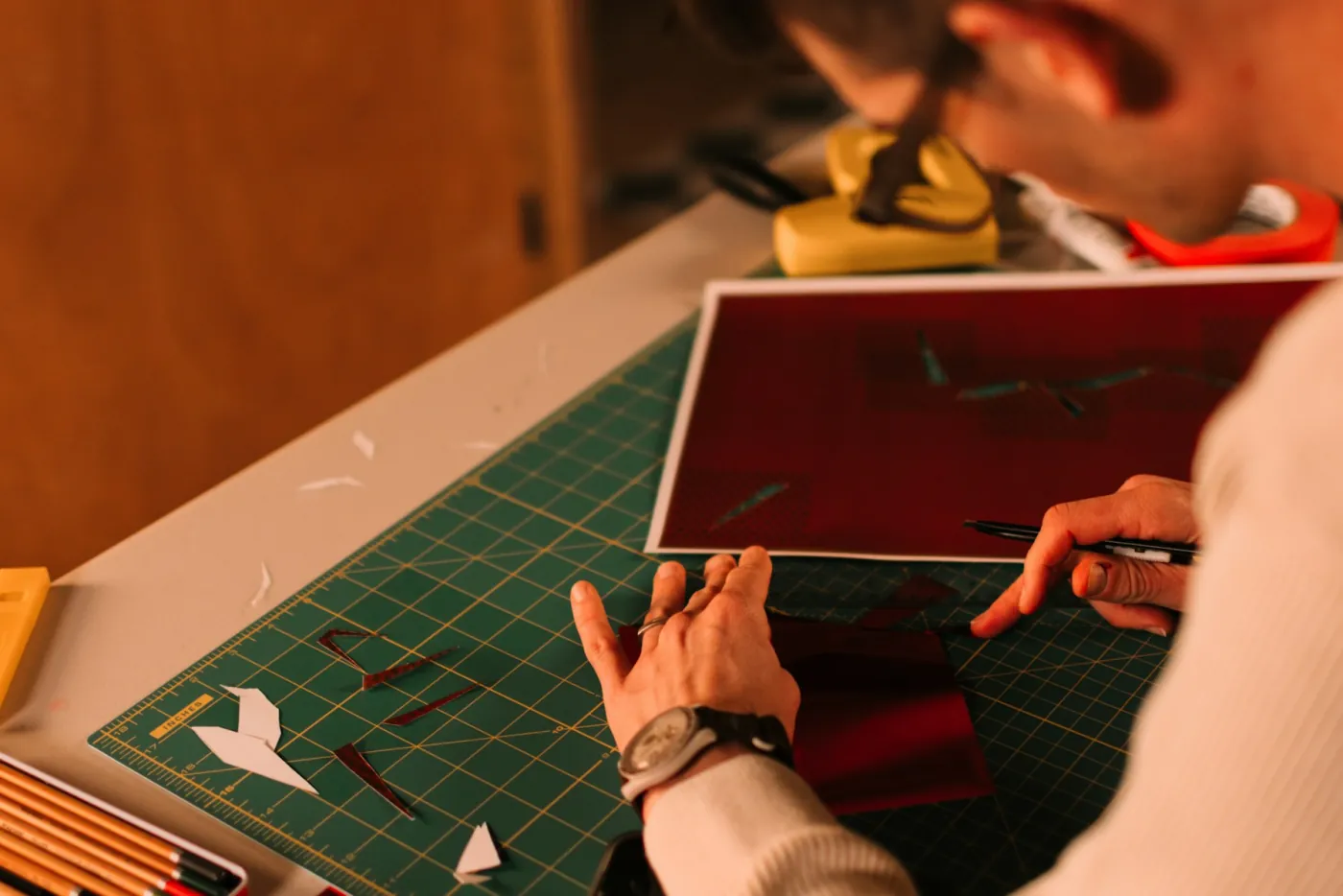
A person working by hand with paper and tools on a cutting mat
THE WORK BEHIND THE WORKDarien Attridge / Unsplash ↗
PRIVATE BY DESIGNYOURS TO USEROOM TO FOCUS
01 / PRIVACY

Create without
being watched.

We don't track what you do. The current editor has no analytics, account or background upload path. Editing happens locally; optional working versions are stored in application data on your machine. This preview website loads no third-party scripts or remote photographs.

See the file path

Hands holding a notebook and pencil during a quiet creative moment
Iuliia Pilipeichenko / Unsplash ↗
02 / OWNERSHIP

Own the copy
you install.

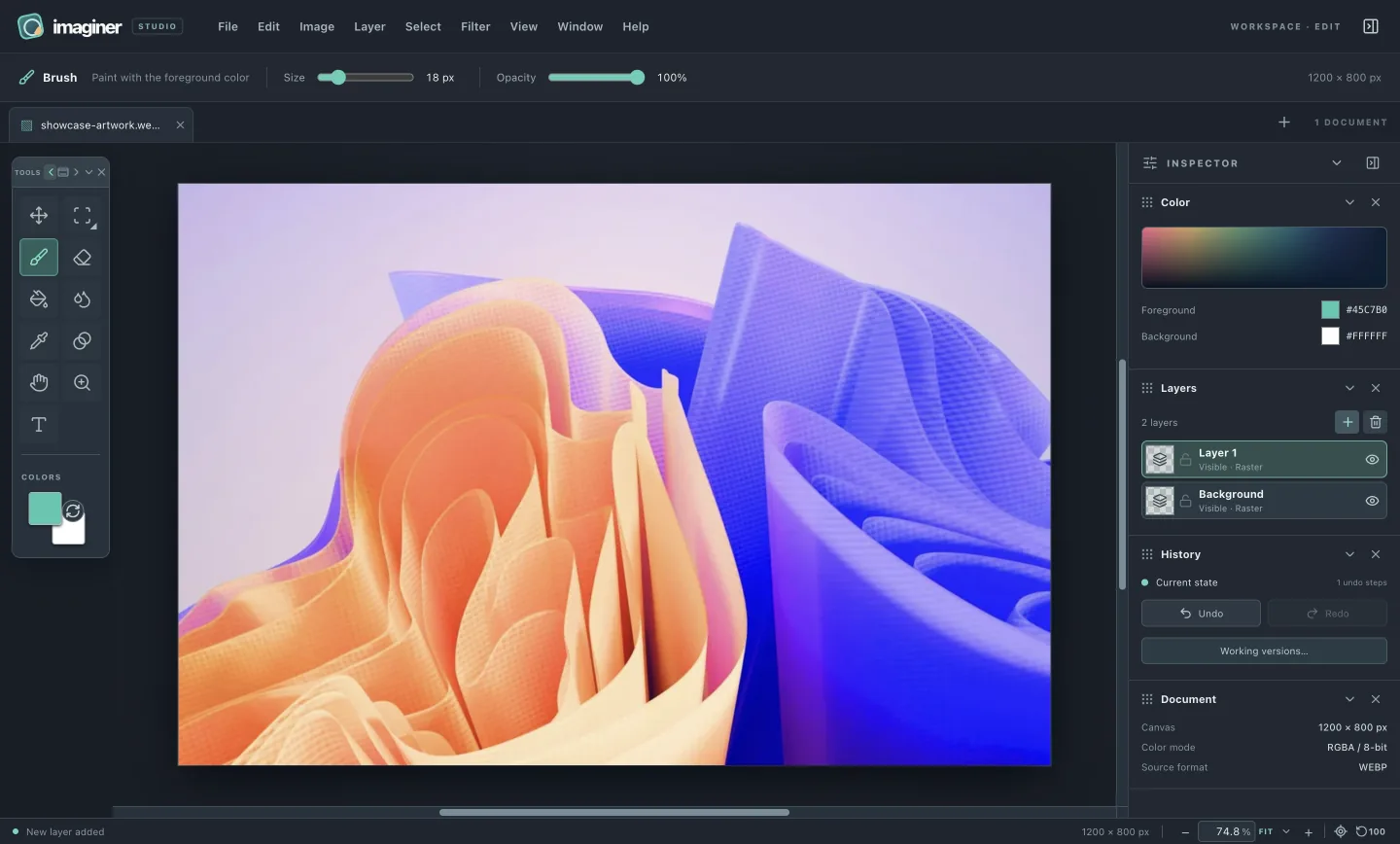
You own the software you download and install. The available macOS development build is free to use without license keys, activation or paid tools. Imaginer runs locally; full public usage and update terms are still being prepared.

See the editor
Actual Imaginer desktop editor with the local artwork open
ACTUAL IMAGINER EDITOR
03 / FOCUS

Just the tools.
No noise.

We don't serve ads or other *ware that slows down your machine. The current app bundles no ad SDK or sponsored feed. The image, its layers and the controls you chose are the point of the window.

Explore the tools
Orange and blue sculptural artwork with flowing shapes
Tridimensi Pro / Unsplash ↗
04 / SOURCE & SCRUTINY

Closed source for now.
Open to discussion.

We are keeping the source closed while we control what enters early releases. Bundling the app does not make its code impossible to inspect or make the editor secure by itself.

The technical information page shows the current architecture, file behavior, security boundaries and limits. We welcome debate about the source policy and will provide a public place for it when the community forum opens.

05 / GOVERNANCE

A direction people
can understand.

Support does not decide who gets the tools or silently buy a vote, an ad placement or access to anyone's images. Product decisions remain the responsibility of the Imaginer team.

Colorful artwork at the center of the product decision criteriaTHE IMAGE
AT THE CENTER
THE DECISION LENS

Six questions behind
the next feature.

These are the criteria we use to weigh product ideas. They keep the work tied to the person creating and the image being made.

  • 01 Usefulness
  • 02 Privacy
  • 03 Pixel correctness
  • 04 Accessibility
  • 05 Performance
  • 06 Maintenance
01 / LISTEN

Gather input

Collect bugs, feature requests and longer discussion in public channels once they open.

02 / EVALUATE

Use clear criteria

Weigh usefulness, privacy, pixel correctness, accessibility, performance and maintenance.

03 / EXPLAIN

Record choices

Publish the reasoning and status of major choices in a public decision log after launch.

04 / SHIP

Show the work

Pair releases with tested changes, known limits and a clear history.

Funding pays for design, development and testing. Material sponsorship terms will be disclosed if fundraising goes live. A public support summary and decision log are planned; neither is live in this preview.

06 / COMMUNITY

Make room for
the conversation.

These channels are planned. We will link them here when they exist.

PLANNED / 01

Community forum

Longer discussions about direction, tradeoffs and source policy.

PLANNED / 02

Issue tracker

Reproducible bugs, platform details and clear resolution status.

PLANNED / 03

Feature requests

Ideas people can discuss without turning popularity into an automatic roadmap.

NEXT / SUPPORT

Help this approach grow.

See the support routes being prepared and how contributions relate to product decisions.

Support development
For people with an existing editing setup

Creators may use Adobe Photoshop, Affinity, GIMP or Krita for different parts of their work. Imaginer’s current preview runs locally without an account, analytics or background image upload. The current macOS preview is free to use and supported voluntarily; full public usage and update terms are still being prepared.

Review the technical boundaries