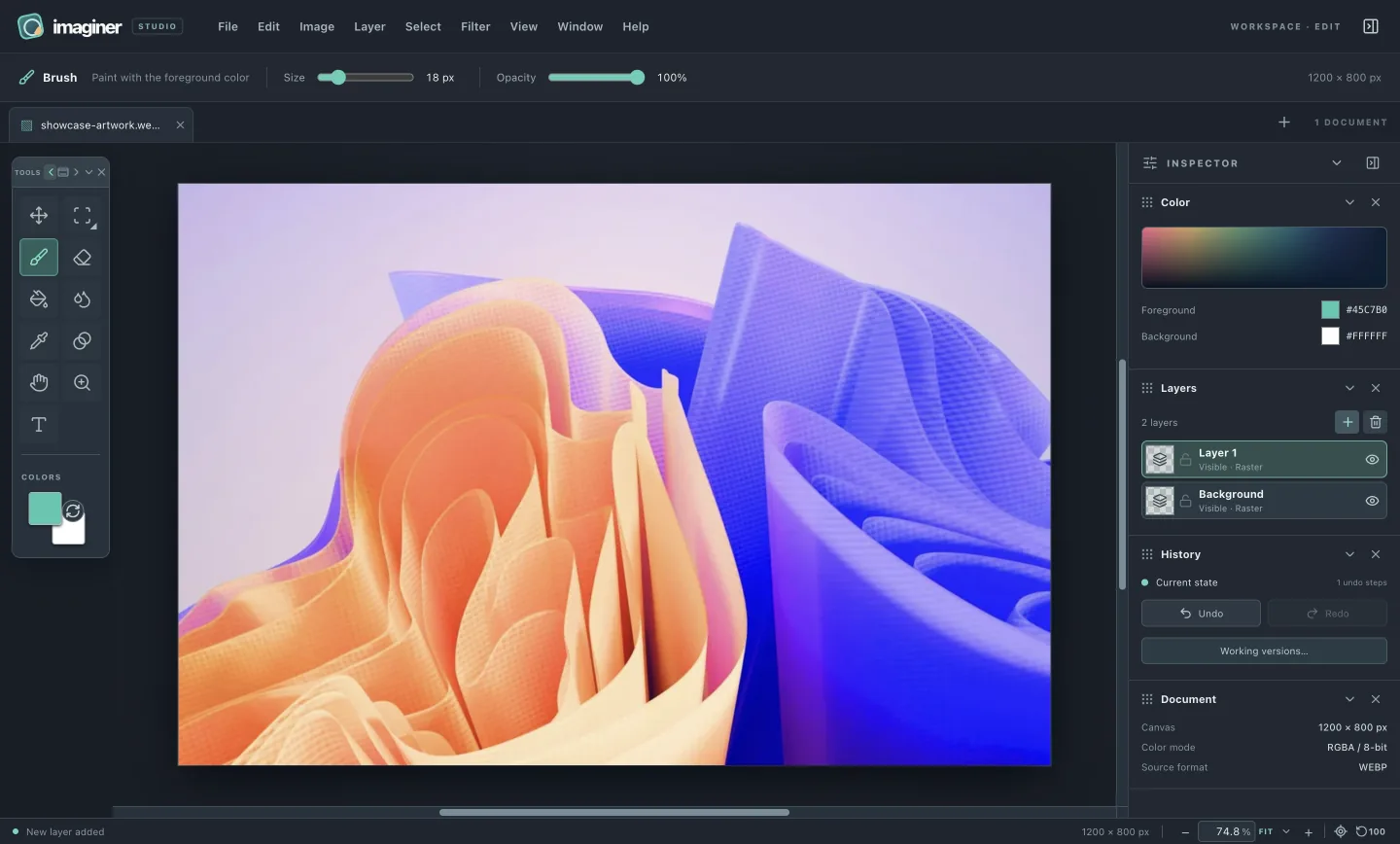
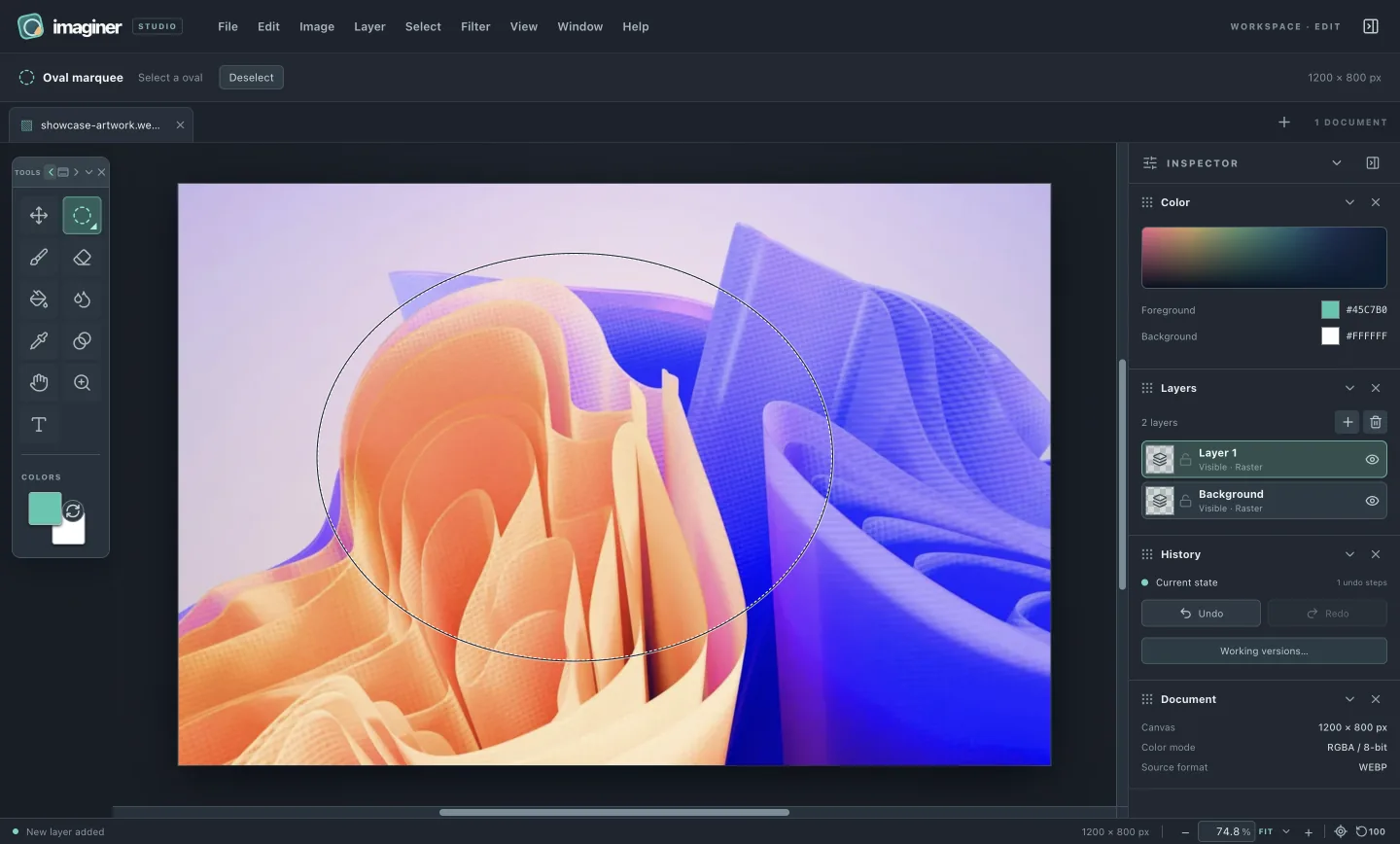
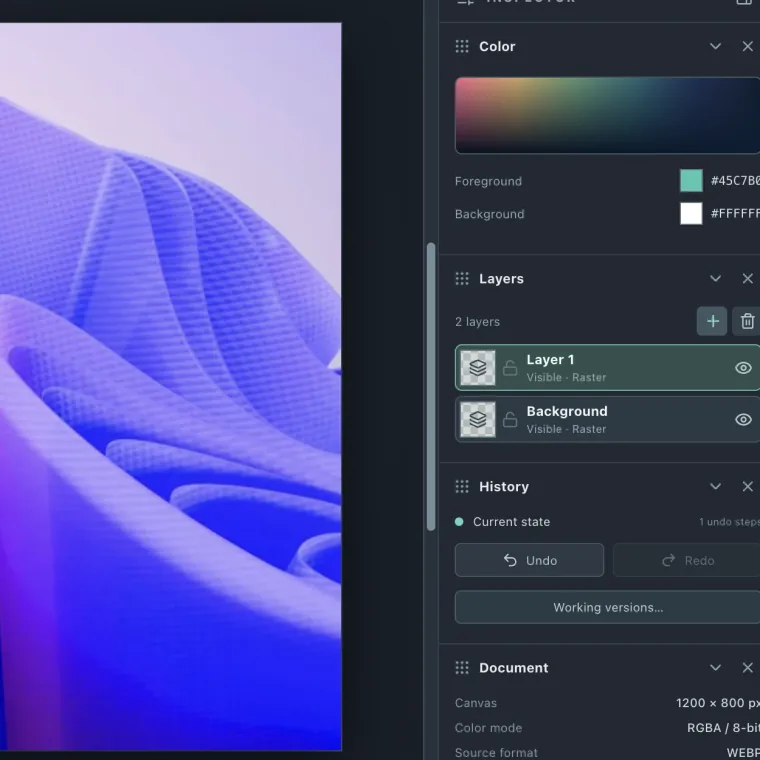
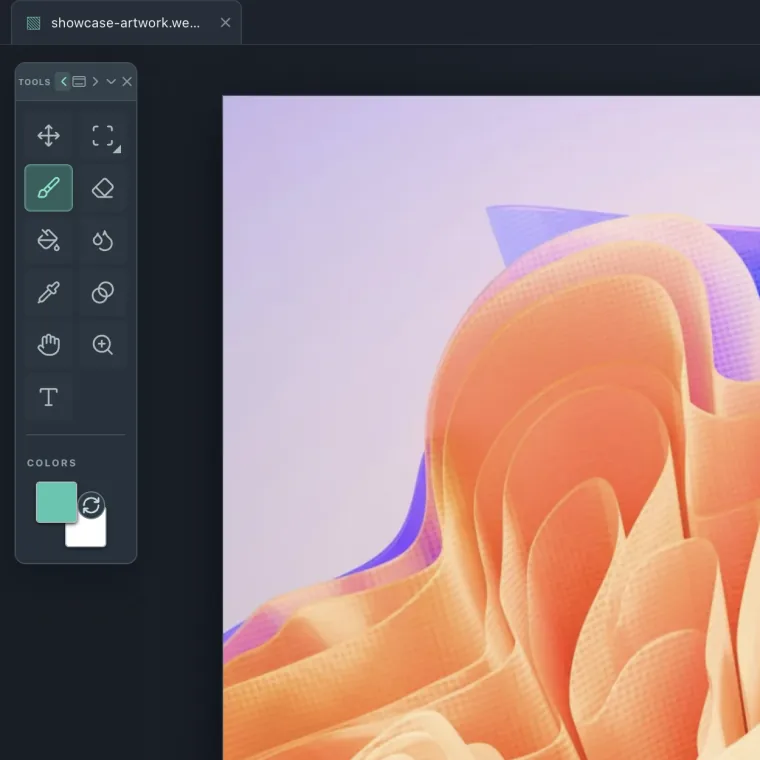
These are real editor captures and an imported source image. The photographs show an editing example; the controls are from the current desktop build.
01 / OPEN
Start with what you have.
Open a local image or create a new canvas. The file dialog accepts JPEG, PNG, GIF, WebP, BMP, AVIF and supported raster-layer PSD/OpenRaster. Animations open as one frame.
02 / SELECT
Work on the right part.
Rectangle, oval, polygon and freehand selections define where pixel edits apply. Guides help align the content you move.
03 / KEEP EDITING
Keep the structure visible.
Raster, editable text and vector shape layers stay in the layer stack. 27 blend modes, ten editable effects and object transforms shape their appearance. History covers image changes; local working versions retain these for session recovery.
Move the tools to where you need them. Keep color, layers and history in reach while the image stays central.
01 / TOOLS A movable palette with selection, crop, clone, retouch, color, vector and type tools.02 / INSPECTOR The current colors, stack and history beside the canvas.
UNDER THE SURFACE
A short path from file to pixels.
The editor uses a narrow bridge between the operating system and its sandboxed interface.
01 / INPUT
Your file
Chosen with a native dialog.
02 / NATIVE
Electron main
Checks sender, file size and signature.
03 / BRIDGE
Named preload API
Only specific image and working-copy actions.
04 / INTERFACE
React renderer
Sandboxed gestures become image commands.
05 / ENGINE
TypeScript core
Pure pixel, selection, layer and undo logic.
Electron provides a consistent desktop shell and native dialogs. It bundles Chromium and Node.js, so the installer is larger than a small native utility. An Apple silicon development build is available to download; Developer ID signing and Apple notarization are still pending.
THE SOFTWARE
Familiar technology. Clear roles.
These are the main components and what they do in Imaginer. Their names lead to official project documentation.
Explicit flattened export; working copies stay local.
PRIVACY & SECURITY
What gets access to what.
The current editor has no account, analytics, advertising SDK or background image-upload path. The boundaries below explain how that works.
THE IMAGE / IN YOUR SESSION
A LOCAL PATH
01 / OPENA file you choose
The native dialog passes validated image bytes to the editor.
02 / EDITLayers in the app
The sandboxed renderer keeps the editable image in your local session.
IF ENABLEDWorking copies
Temporary recovery snapshots in local app data.
WHEN YOU SAVEPNG export
A flattened file at the location you choose.
Processing
Edits run locally in the renderer and its TypeScript image core. There is no hosted editing service in this preview.
File access
Opening and saving use native dialogs. The renderer receives named preload methods, not general filesystem or shell access. The main process validates privileged requests and input content.
Isolation
Context isolation and Chromium sandboxing are enabled; Node integration is off. Navigation and new windows are blocked, and the editor's content security policy permits only local scripts.
Access
The current development build is free to use, with no account, license check, activation or paid feature gates; contributions are optional.
Working versions
Periodic snapshots live in the app's local data directory. They retain editable layers, text and vector geometry, clipping and alpha-mask relationships, object transforms, blend modes and effect settings for interrupted-session recovery, then are discarded on normal close or quit.
Saving
Save as PNG is explicit. It writes a flattened image to a file you choose. PSD and OpenRaster preserve supported raster layers; they report unsupported editable objects, clipping relationships, effect settings and format-specific properties. Periodic working copies do not overwrite the source image.
Packaging
The macOS app contains bundled JavaScript in an Electron archive. Bundling makes installation convenient; it does not make the code impossible to inspect. The project source remains closed for now.
Release trust
The downloadable 0.3.13 macOS development build has an ad hoc signature and is not notarized. Gatekeeper may block it. A Developer ID signed and notarized build is planned; this preview has not had an independent security audit. See the download details.
CURRENT LIMITS
An early build with clear edges.
These are the present guardrails, shown so you can decide whether the editor fits your work today.
64 MPMaximum decoded image pixels
1,024Maximum layers per image
20Full-state undo snapshots
8Working versions per document
Image model
RGBA 8-bit raster layers, editable text and vector-shape objects, and clipping and alpha-mask relationships. Filters require text to be rasterized first.
Size and memory
Input files are limited to 100 MB; PNG output and working snapshots to 512 MB. Active layers are limited to 128 million pixels total. Spatial layer effects have a 16-million-pixel cropped working-region limit. Large layered documents can use substantial memory. Turn the Blending dialog’s Preview off to defer draft rendering until Apply.
Not yet available
A portable Imaginer project format, PSD layer-style interchange, Blend If, custom contours, batch jobs, cloud collaboration, and codecs such as TIFF, RAW, HEIC, XCF and KRA.
Platforms
macOS Apple silicon is the currently packaged preview. Windows, Intel Mac and Linux are targets, not tested public installers.
NEXT / PRINCIPLES
Clarity extends beyond the stack.
Read how privacy, ownership and product decisions guide this editor.
People bringing files from Adobe Photoshop, Affinity, GIMP or Krita should plan around Imaginer’s current formats. It opens JPEG, PNG, GIF, WebP, BMP and AVIF; animated files open as one frame. It exports flattened PNG and supported raster-layer PSD/OpenRaster. Native XCF/KRA, TIFF and RAW are not supported; editable text and styles currently live in temporary working versions. Editing does not overwrite the source file.