


A LOCAL CREATIVE WORKSPACE / 001

Imagine
images.

A focused place to make, edit, and explore. Powerful image tools on your computer, with your work firmly in your hands.

Apple silicon development build available. Signed release planned.

Warm abstract spiral artwork with light radiating from its center
Source image: Milad Fakurian / Unsplash
THE EDITOR / IN ACTIONDESIGNED FOR YOUR DESKTOP
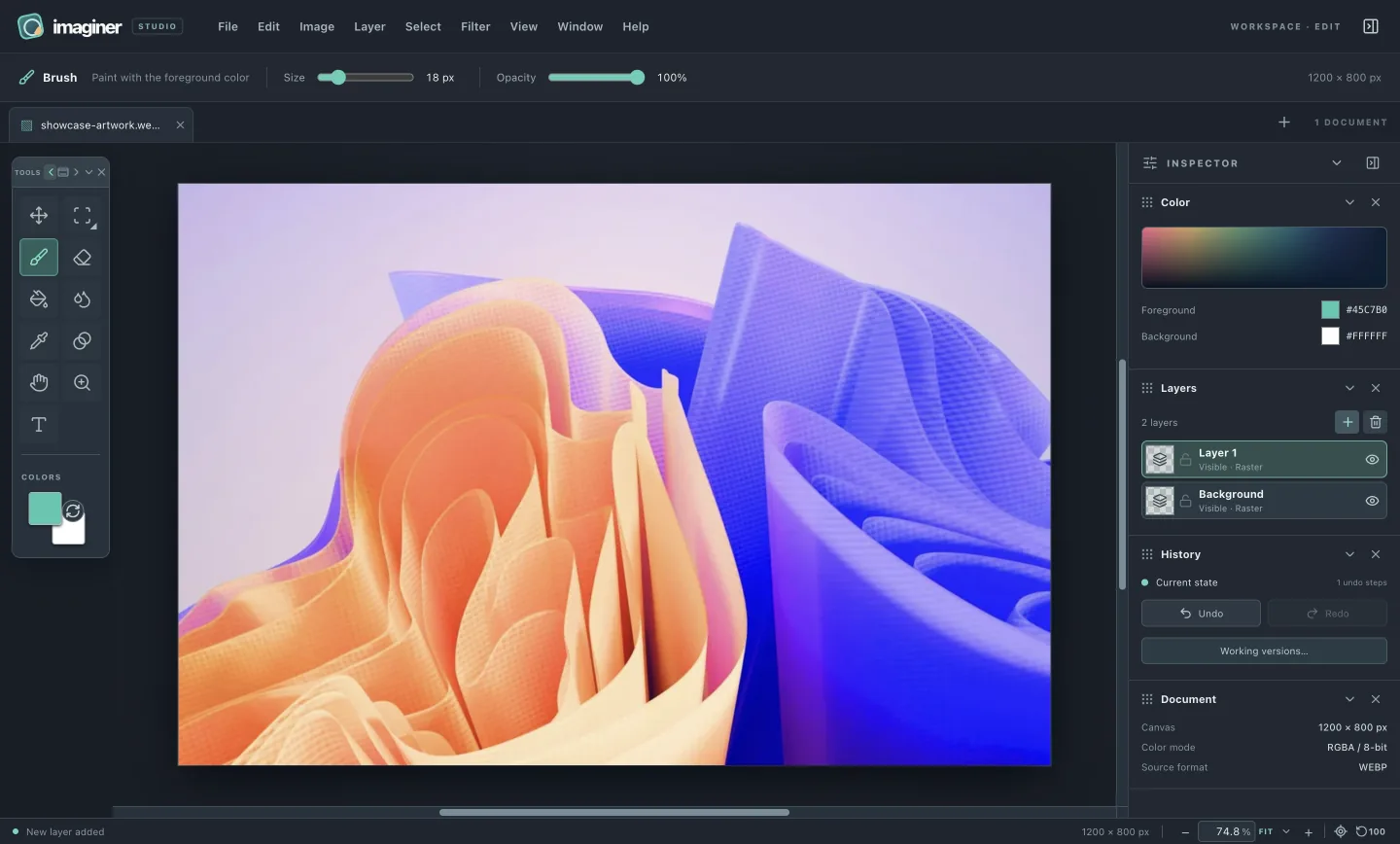
Actual Imaginer editor displaying a vivid orange and blue artwork with tools, color controls, layers and history
Actual Imaginer editor with a color study by Tridimensi Pro / Unsplash.

CREATE FREELY

WORK LOCALLY

KEEP CONTROL

01 / 03

THE WAY WE BUILD

The best tools leave room
for your work.

Privacy, ownership and focus shape Imaginer, from the files on your computer to the space around your canvas.

Read the full principles
01 / PRIVACY

Create without being watched.

We don't track what you do. The current app has no analytics or background uploads; your images and working versions stay on your machine.

02 / OWNERSHIP

Own the copy you install.

You own the software you download and install. The macOS development build is free to use, without license keys, activation or paid feature gates. Full public usage and update terms are still being prepared.

03 / FOCUS

Just the tools. No noise.

We don't serve ads or other *ware that slows down your machine. No ad SDK or sponsored clutter gets between you and the canvas.

INSIDE THE WORKSPACE

Tools for the image
in front of you.

Six square photo studies illustrate what you can do. The editor screenshot above shows the current interface.

01 / SELECT
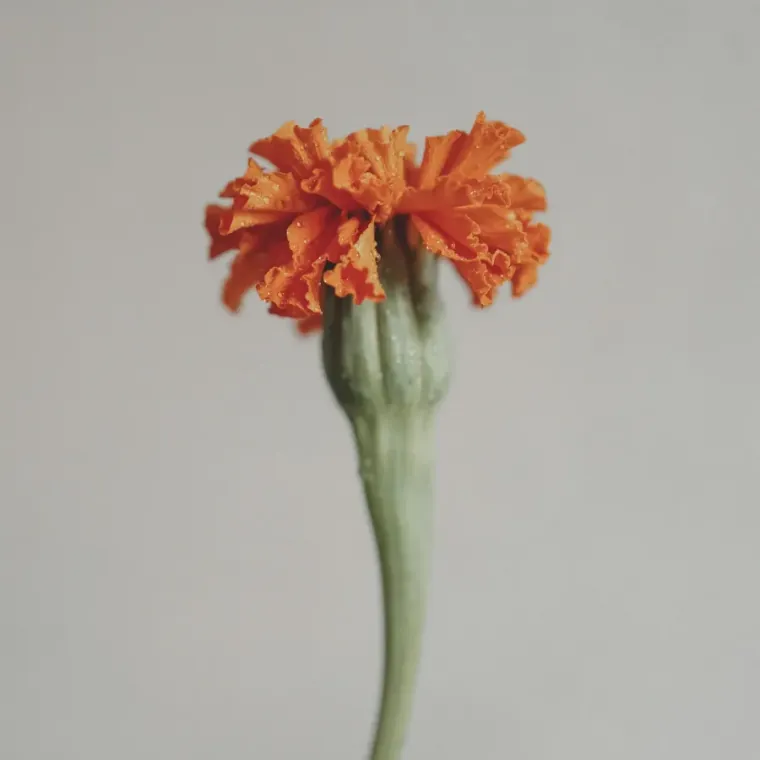
Orange marigold isolated against a soft grey background

Select what matters.

Rectangle, oval, polygon and freehand marquees let you focus edits on a chosen area.

02 / LAYER
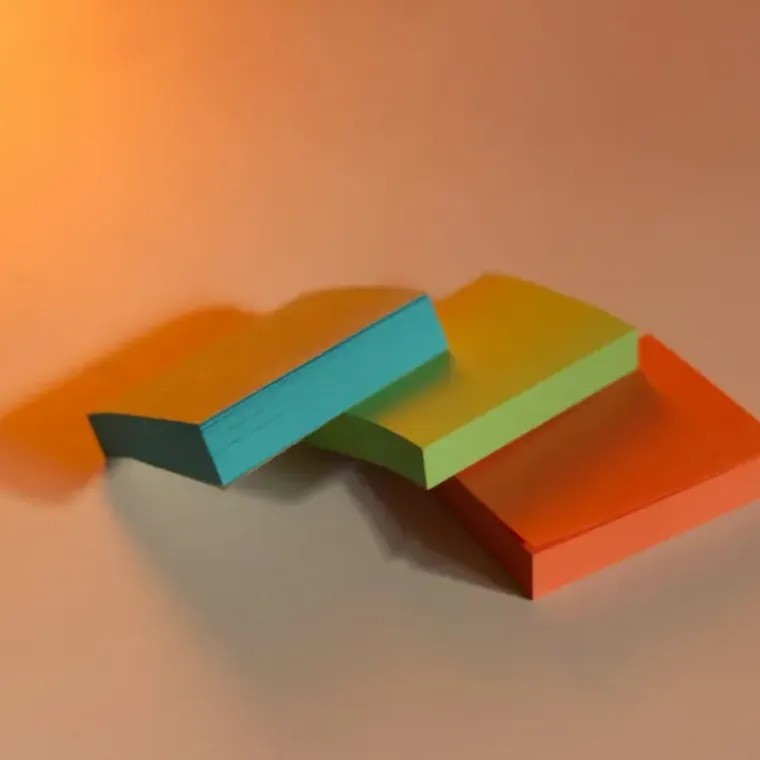
Turquoise, lime and orange paper sheets stacked in layers

Build with layers.

Keep raster edits, text and vector shapes separate. Combine 27 modes with editable borders, overlays, shadows and lighting.

03 / COLOR
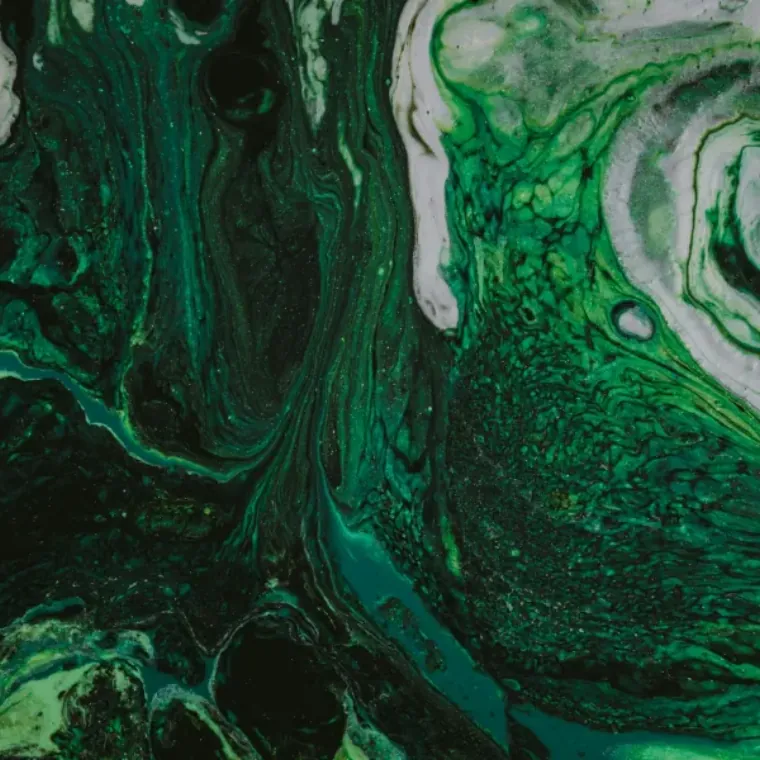
Deep green and white abstract paint marbling

Work in color.

Sample color, clone anchored pixels, smudge, blur or sharpen with independent tool settings.

04 / GUIDES
Colorful architectural lines and shadows

Find your alignment.

Crop with a preview, pull guides from rulers and snap content to an edge or center.

05 / GRADIENT
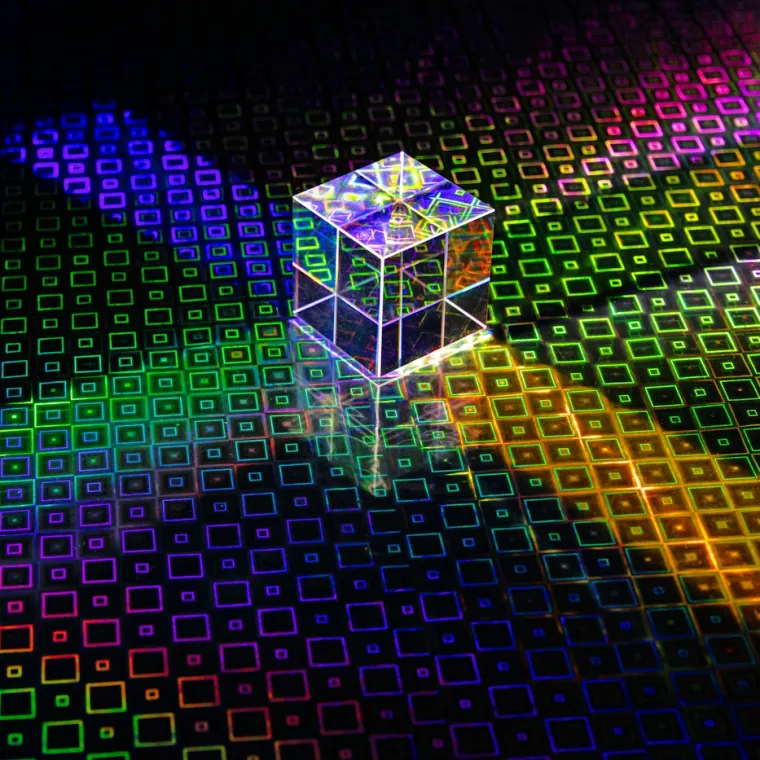
Glass prism scattering colored light across a patterned surface

Shape the transition.

Place gradients on the canvas, or use a layer overlay with five shapes and an optional live preview.

06 / TYPE
Orange typewriter on a wooden worktable

Keep words editable.

Type, Scale, Distort, Skew or Mesh Warp an editable text object. Effects follow its shape.

New tools: editable vector shapes, Clone Stamp and retouch, and Crop with a preview. Follow illustrated examples in the feature guides.

Photo studies: Anya Chernykh, Kelsy Gagnebin, Pawel Czerwinski, Jason Leung, David Clode, and Raymond Petrik on Unsplash. Hero: Milad Fakurian.

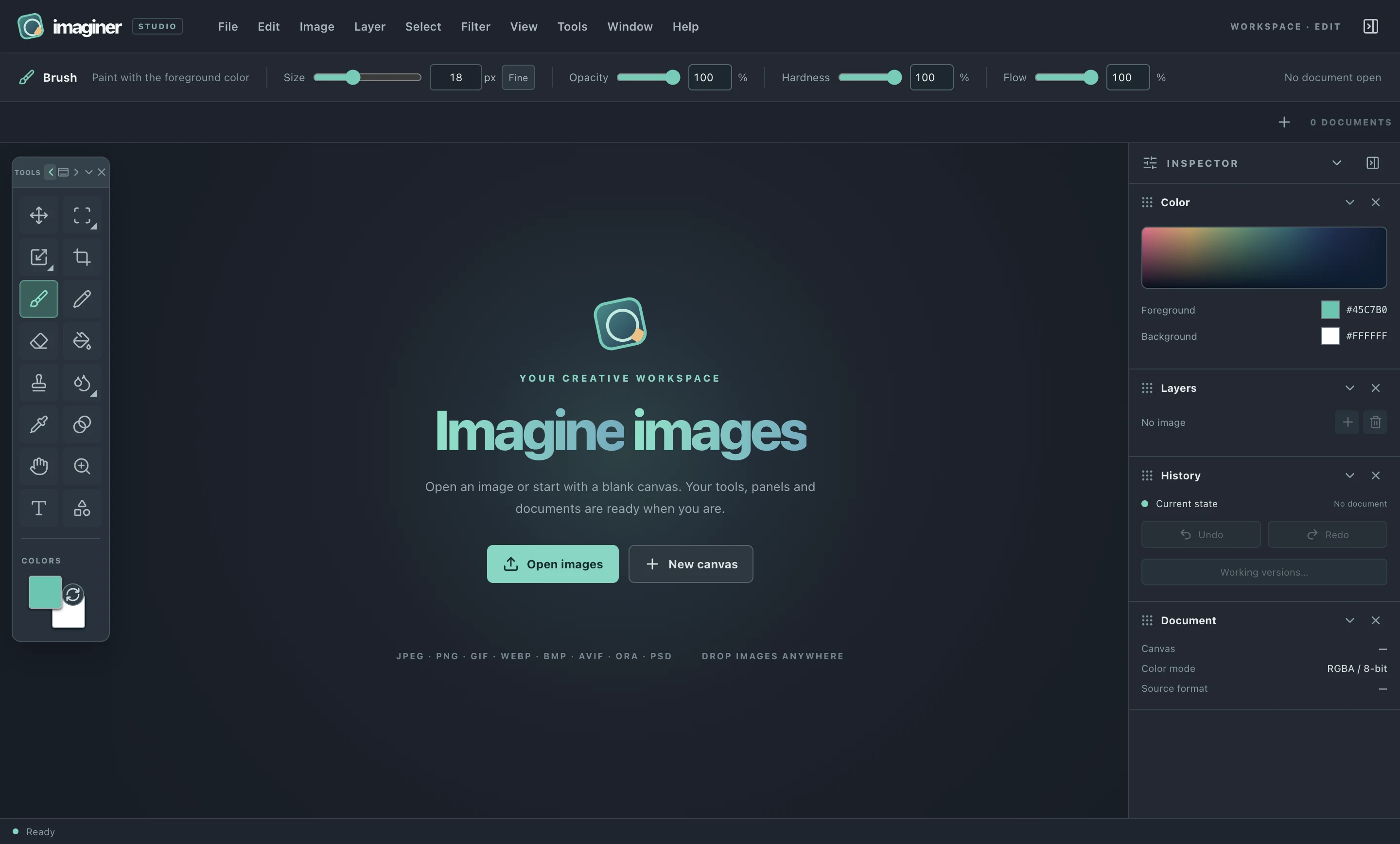
Imaginer's uncluttered welcome workspace, with tools on the left and inspector on the right

A CALMER START

Open the app.
Find your flow.

No account gate. No feed. Just an editor ready for the next image.

Explore how it works

OPEN ABOUT OUR DECISIONS

Know what you're
putting on your computer.

Read the stack, the security boundaries, the local file behavior, and the limits of this early build before you install.

Read the technical notes
Coming from another image editor?

If you edit in Adobe Photoshop, Affinity, GIMP or Krita, you will recognize layers, marquees, guides and paint tools. Imaginer offers a focused local desktop workspace with editable text objects and explicit PNG export. It also supports flat raster-layer PSD and OpenRaster exchange. Editable text and style definitions stay in temporary working versions; review the export limits before moving a project.

Check supported formats and limits